BlogSales
How Much Does a CRM Implementation Cost in 2026?
Licenses, implementation, training and support: what a CRM really costs a small or midsize business in 2026, and how to compare quotes without surprises.
“How much does a CRM cost?” is the question we hear most, and the short answer, “it depends,” helps nobody. Here’s the long answer, with numbers.
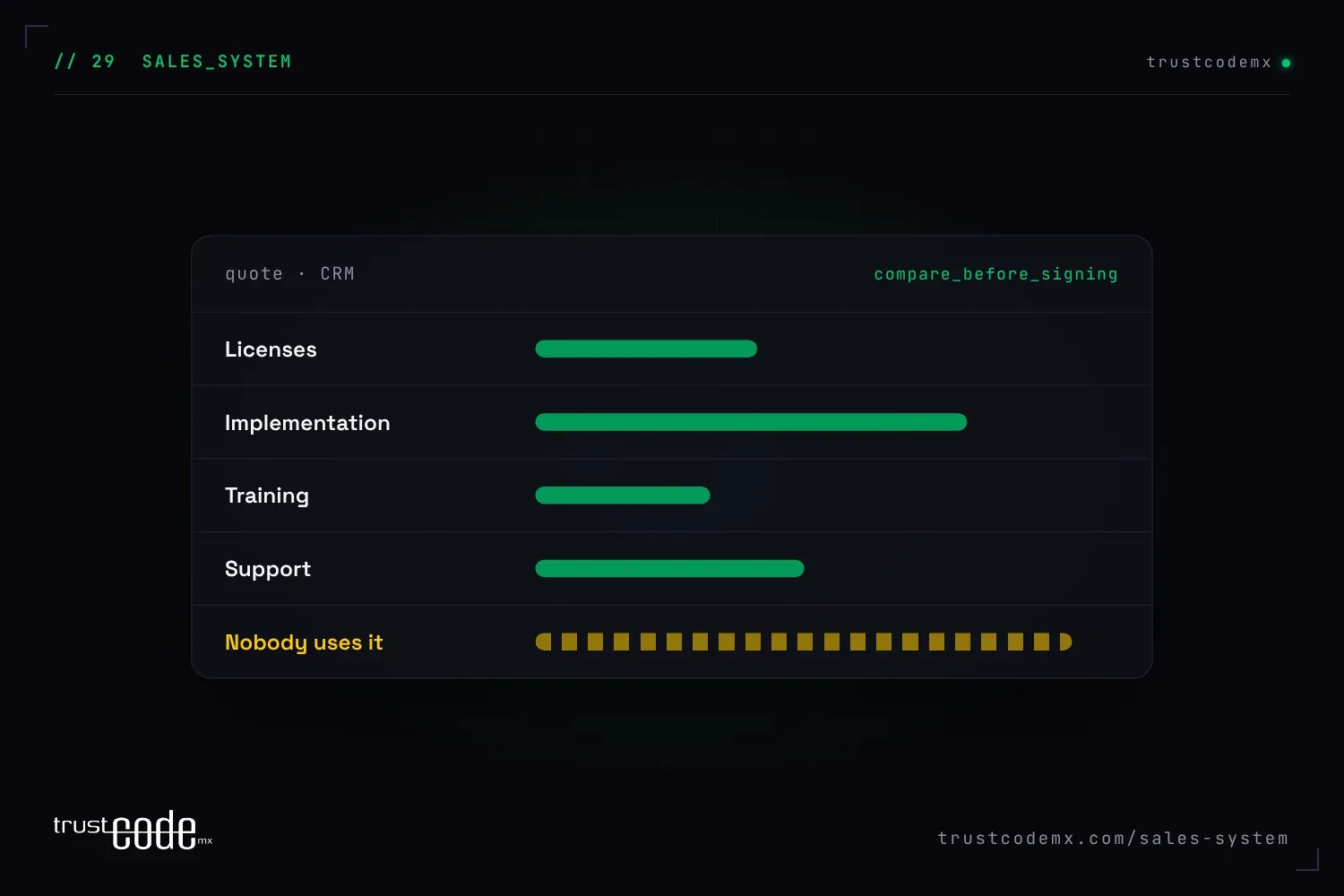
A CRM has four costs: licenses, implementation, support after launch, and one that almost nobody quotes: the cost of your team not using it.
1. Licenses: what you pay per user, every month
Licenses are paid per user, monthly or yearly.
An example with monday CRM, the platform we build on. Its plans (Basic, Standard and Pro) are billed per user per month, with a three-seat minimum. Seats are sold in buckets, so a team of four pays for five.
Current prices for each plan are on monday.com. Check them before you buy, because they change.
Which plan to choose: the cheapest plan is rarely enough for a sales team. Features like email sync, automations and follow-up sequences usually live in the middle or upper plans. Choose the plan your process needs, not the lowest entry price.
2. Implementation: the project that gets it working
This is a one-time cost. A good implementation includes:
- A review of how you sell today.
- Process design: stages, owners and rules.
- The build: boards, automations, forms and integrations.
- Migrating your current data.
- Training for each role.
- Support during the first weeks.
At Trust Code, a first system, for example your sales process, starts at $2,500 USD plus applicable taxes. The price goes up with:
- How many processes you want to cover: sales, operations, collections.
- Integrations: texting, invoicing, email, your website.
- The state of your data: moving one clean spreadsheet is not the same as merging five files full of duplicates.
- Users and roles: one salesperson is not the same as twenty people across three departments.
- Languages: if your team works in English and Spanish, the system, templates and training should too.
- Reporting: how many dashboards leadership needs.
Be careful with the cheapest quote. It’s often “I’ll set up a board for you,” with no process design and no training. It’s cheap until nobody uses it.
3. Training: it should be included
If an implementation doesn’t include training, it isn’t finished. Ask how many sessions, for whom, and whether they’re recorded for future hires.
4. Support: what happens after launch
Your business changes, and your CRM has to change with it: a new service, a new hire, a report leadership starts asking for. You can cover that with hourly support when you need it, or with a monthly plan.
With our support plan, TrustCare, the first month is included with every project.
5. The cost nobody quotes: your team not using it
The most expensive CRM is the one you pay for every month while your team keeps working in text messages and spreadsheets. When you compare quotes, ask what the provider does to make sure your team actually adopts it, not just to deliver it.
How to compare two quotes
Before you decide, ask each quote to answer this:
- Are licenses included, or paid separately?
- How many processes does it cover, and which ones?
- Does it include migrating my data?
- How many training sessions are included?
- What happens after launch, and what does it cost?
- How long until it’s up and running?
- Whose name is the account under? The right answer is always: yours.
What would it cost in your case?
In a free assessment, we look at how you sell today and tell you what you need and what you don’t, before any quote.
Learn more about how we build a Sales System.
Book your free assessment · 30-minute call. Free.
Frequently asked questions
Can I implement a CRM myself?
Yes, especially if your team is small and your process is simple. The hard part isn’t the software. It’s defining the process and getting everyone to use it.
How long does an implementation take?
It depends on scope. Our projects are up and running in six weeks.
Do I pay for licenses and implementation separately?
Usually, yes. Licenses go to the software vendor; implementation goes to whoever builds it. Ask for both numbers before you compare.